 SumKey
A calculator inside your iPhone keyboard.
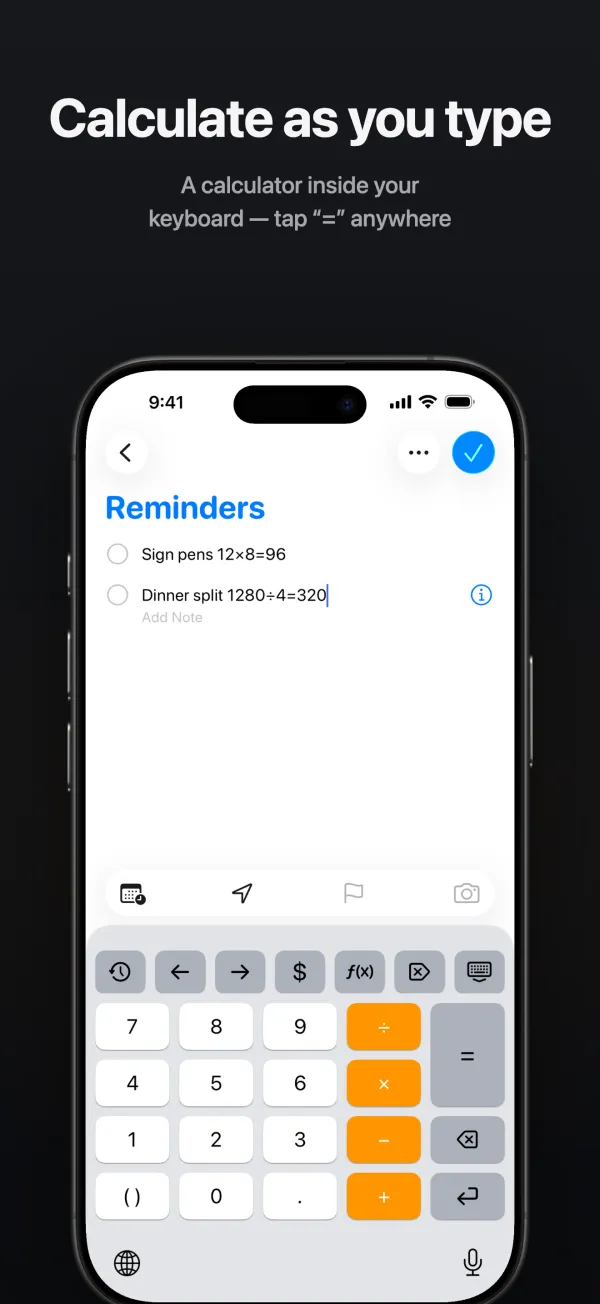
Type an expression in Messages, Notes, or any text field and tap = to get the answer right there. The math and the result go out together, so the other person can check every step.
Get it on the App Store One-time purchase. No subscription, no ads, no tracking.Web demo. Try it: 48 ÷ 3 =, then send
Split a bill, quote a price, check a discount
Wherever numbers come up, finish the math right there. Tap = and the answer appears after the expression; long-press = to keep just the result.
Save the text you type all the time as a custom key, and reorder the toolbar to match how you work. The key layout follows the built-in iPhone Calculator.
Percent math the way you think
Type the discount as a percent
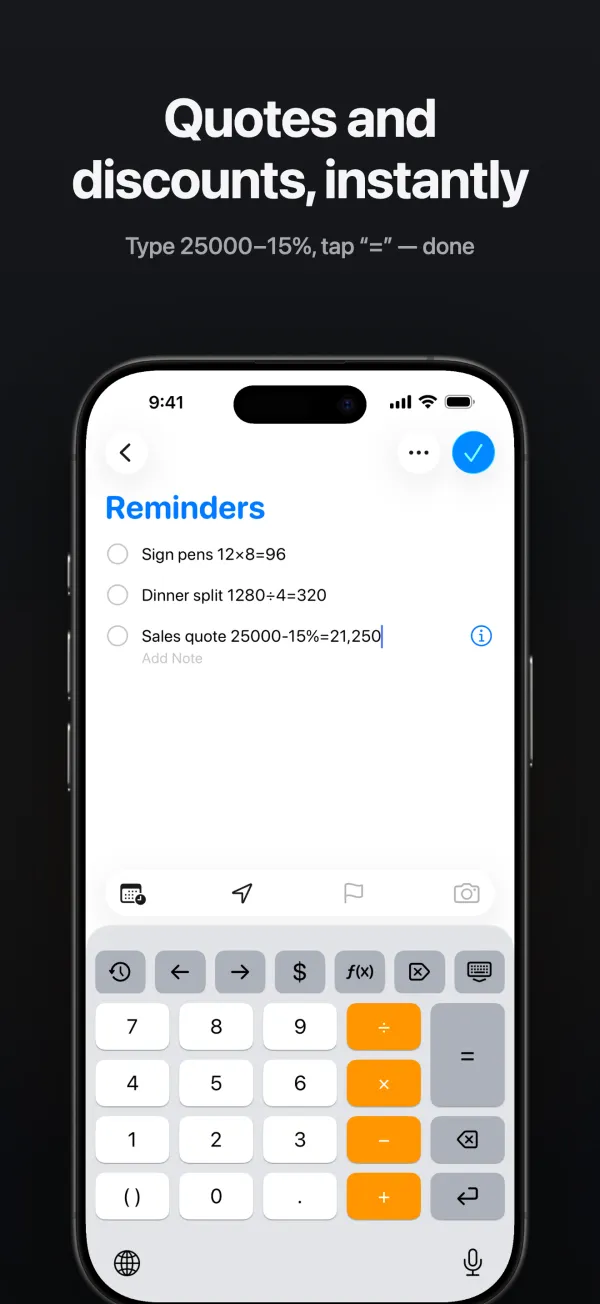
4500 − 15% gives the discounted amount. Use + for markup and − for a discount.
History inside the keyboard
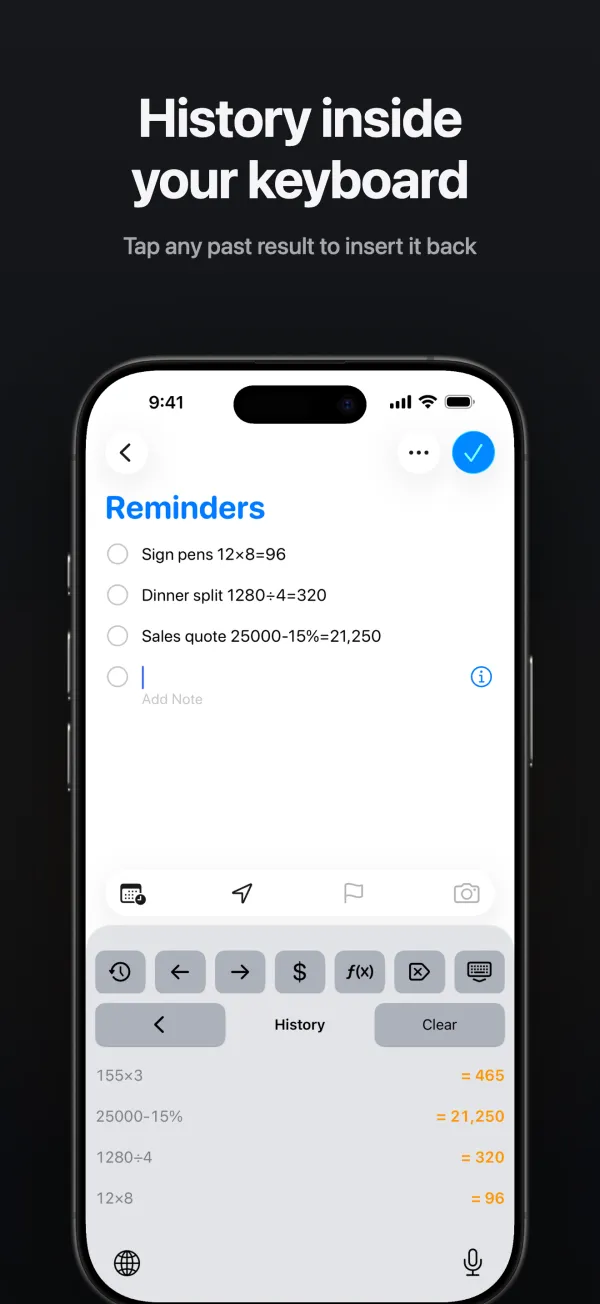
Tap a previous result to drop it back into the text field and keep going.
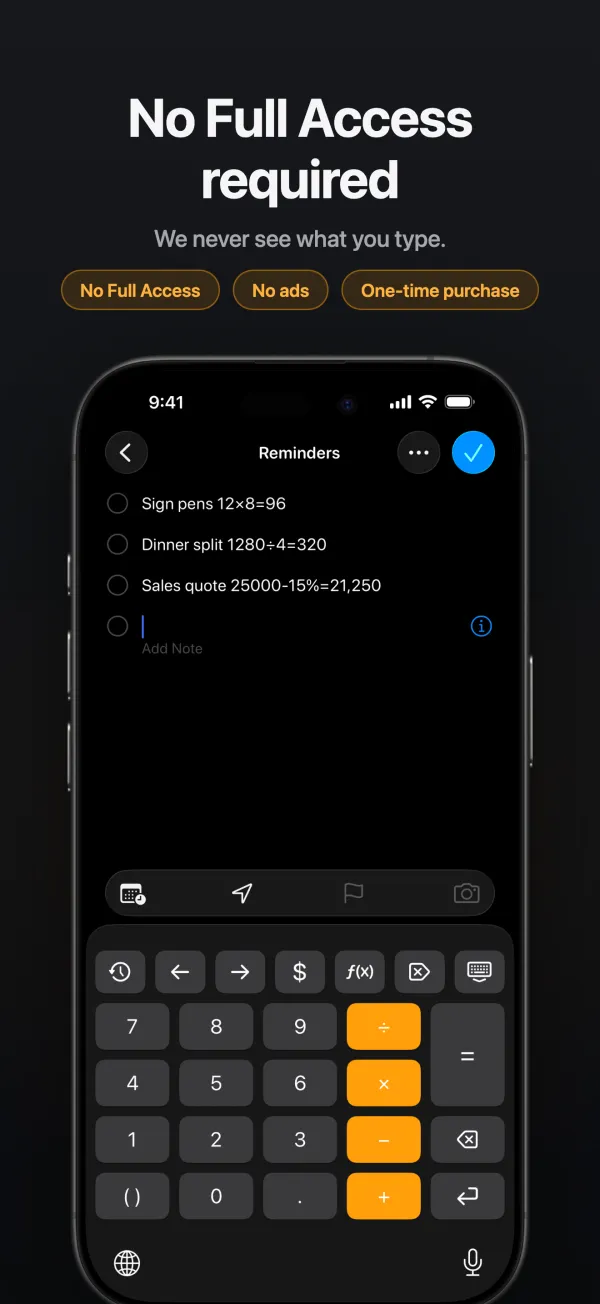
No Full Access needed
This is a system-level limit in iOS: a keyboard without Full Access cannot connect to the internet or see what you type elsewhere. SumKey has no analytics, no ads, and no account. Your history stays on your device.
Pay once
$2.99
No subscription and no in-app purchases. Updates are included.
Get it on the App StoreFAQ
How do I turn the keyboard on?
Open Settings → General → Keyboard → Keyboards → Add New Keyboard and choose SumKey. Then long-press the globe key in any text field to switch.
Where does it work?
Anywhere a keyboard appears: Messages, WhatsApp, Notes, Reminders, Mail, Excel, Google Sheets. Password fields always use the system keyboard; that is an iOS rule.
Do I need to allow Full Access?
No. Every feature works without it.
Is there a subscription?
No. It is a one-time purchase.
Support
For help, feature requests, or bug reports, email support@doka.software. We read every message.